AI can do a lot more for your family than answer the occasional question.
The AI Playbook for Busy Moms shows you how to go from quick questions to letting AI help run your house, safely.
Get My Playbook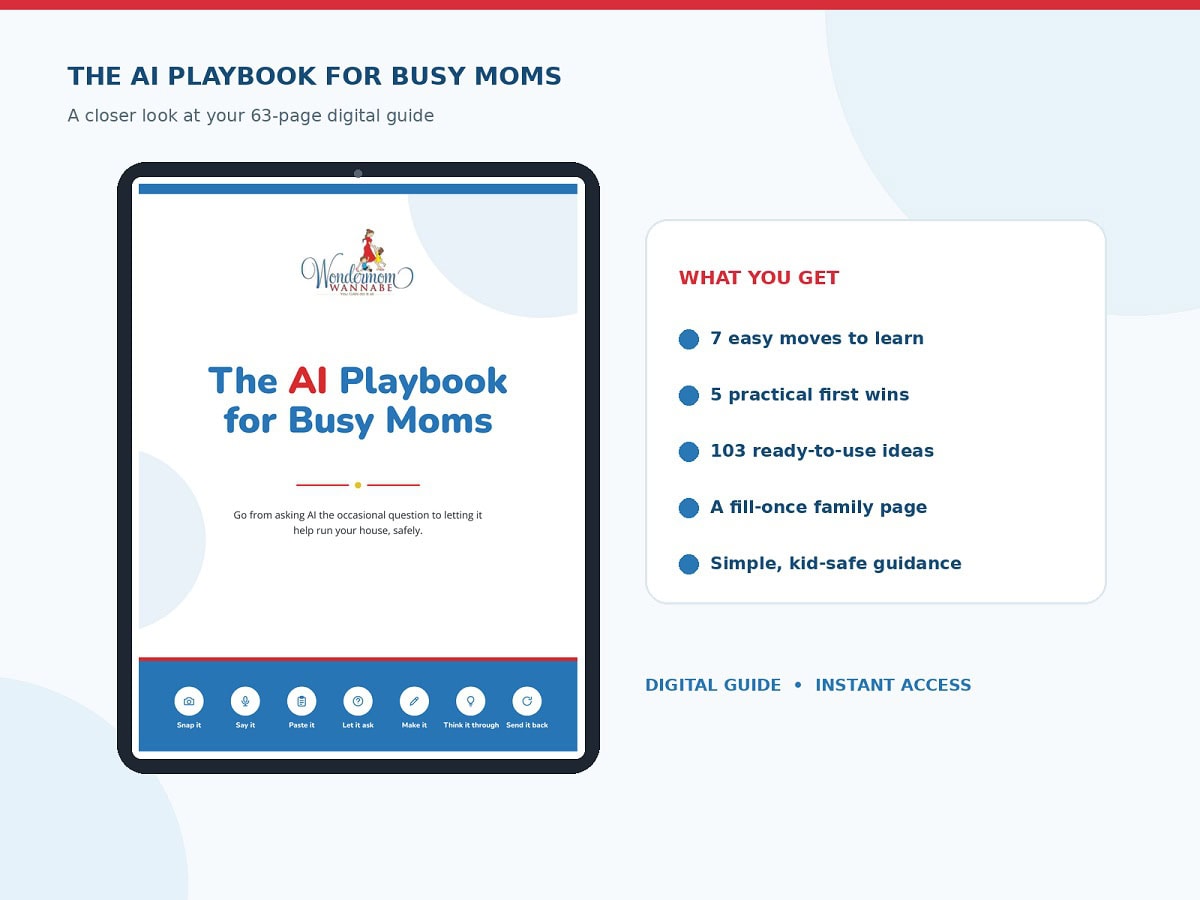
You keep hearing how AI is changing lives. Yours still feels about the same.
Maybe you already use it every day. It gives you better answers than a Google search and helps you write emails. That’s handy.
But you keep hearing about moms who use it to plan the week, untangle the family schedule, and take real things off their plate. And you’re not sure how they get from here to there.
Or maybe you’ve tried it a few times. You typed a quick question, got back an answer that sounded like it was written for some other family, and went back to doing it yourself.
That’s not a you problem. Nobody hands you the instructions.
This playbook is those instructions.
Inside, you’ll learn:
- seven simple moves that work for almost anything on your list
- the exact words to type for 103 everyday jobs, from dinners to school emails to the holidays
- what to say when the first answer isn’t quite right
- how to make every answer fit your family, without explaining everything from scratch each time
- what to keep private, especially about your kids
No tech words to memorize. If you can text a friend, you can do every single thing in here.
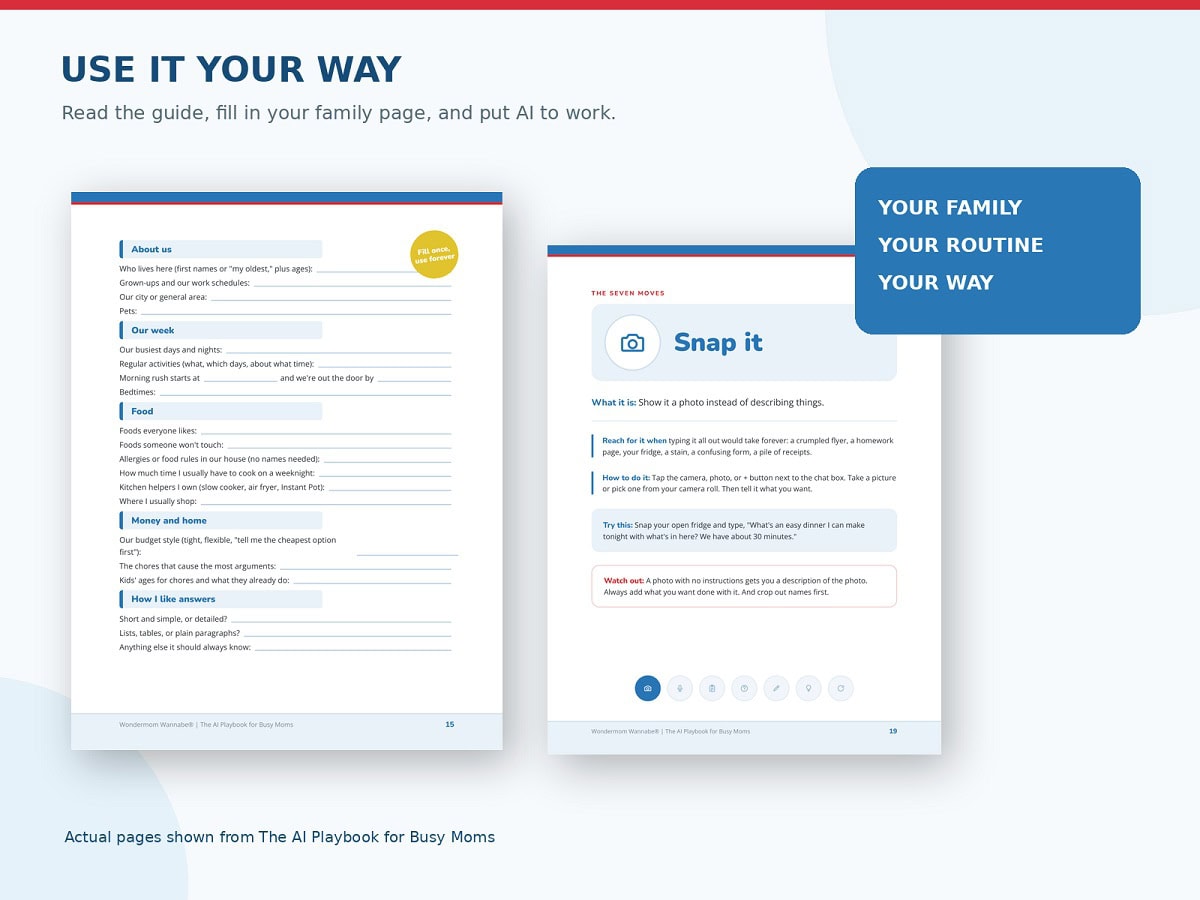
Seven moves behind everything on your list
Learn these, and you’ll never stare at a blank chat box again.
Snap it
Show it a photo instead of describing things: the crumpled flyer, the homework page, your fridge.
Say it
Talk instead of type, when your hands are full or your head is.
Paste it
Hand it the messy email, letter, or list, and get back what matters.
Let it ask
It interviews you first, then plans. Perfect when you don’t know where to start.
Make it
Get a chart, list, story, or game you can actually use.
Think it through
Compare, decide, and poke holes in a plan together.
Send it back
Ask for shorter, kinder, simpler, or more specific.
The magic happens when you stack them. Snap the sports schedule, let it ask about your other commitments, then make it into a chart for the fridge.
Same app. Very different answers.
A good ask reads like you’re talking to a helpful friend. Here’s the difference.
You get a ready-to-use starter sentence for all 103 ideas, sorted into 12 areas of family life. Fill in the brackets and press send.
What’s inside
You don’t have to read it front to back. It’s built in four parts, so you can jump straight to what you need today.
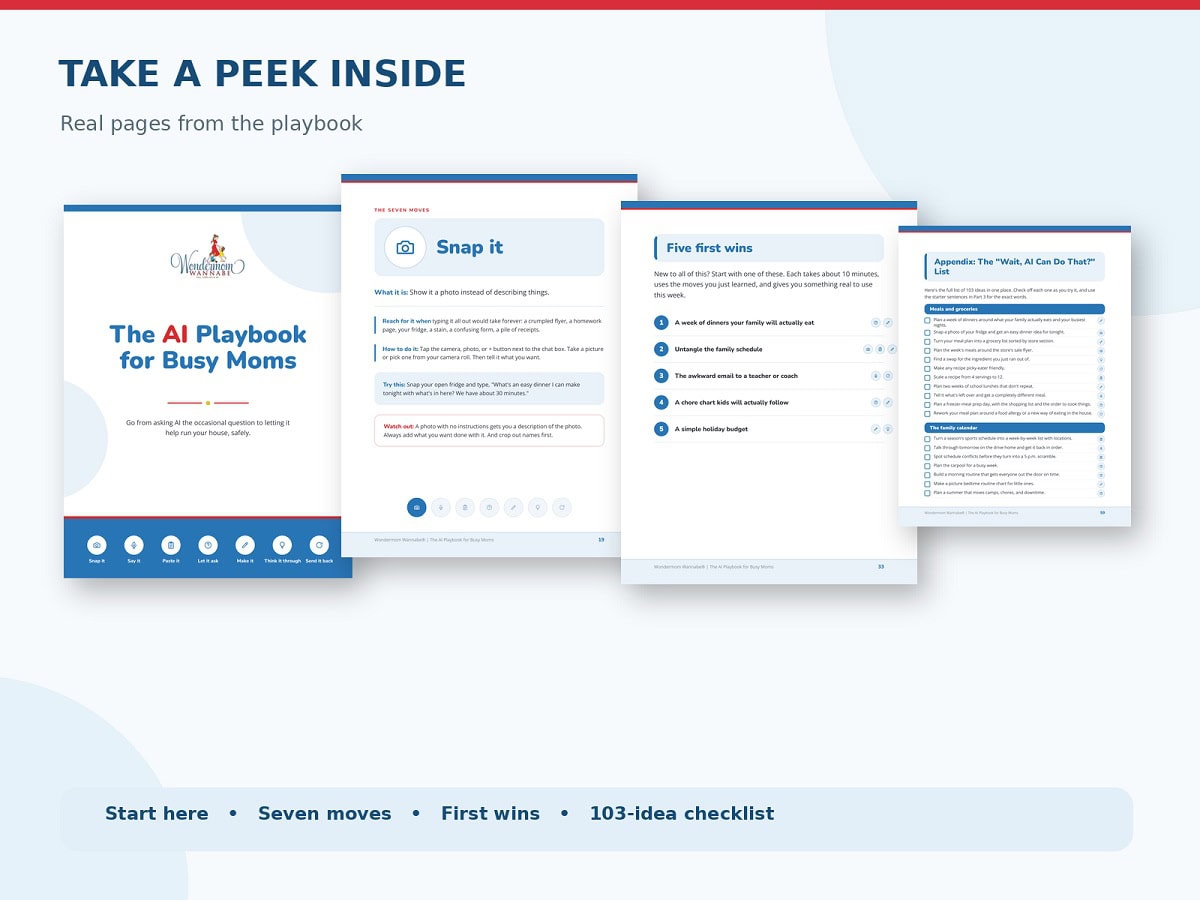
Start here
- Your first chat in five minutes
- Which free app to use: ChatGPT, Claude, Gemini, Copilot, and Meta AI compared, with the privacy setting to check in each
- Keeping your kids safe
- Your fill-once family page, so answers fit your family
Learn the moves
- The seven moves, with a “try this” for each one
- How to ask: Who, What, How
- What to say second when the first answer misses
- Big jobs, step by step (like the whole holiday season)
Put it to work
- Five first wins, about 10 minutes each: a week of dinners, the family schedule, the awkward email to a teacher or coach, a chore chart, and a holiday budget
- Starter sentences for all 103 ideas
Look it up
- AI words worth knowing, in plain English
- A 7-day plan that walks you through one move a day
- The full checklist of all 103 ideas
Built with your kids’ privacy in mind
AI can plan a great week for “my 9-year-old who plays soccer Tuesdays” without ever knowing her full name or where she goes to school. The playbook shows you exactly where that line is.
- what to leave out, and what to say instead
- what to crop out before you snap a photo
- the one-minute privacy settings worth checking
- house rules for when your kids want to use it too
The simple rule: Give AI what it needs to help, and nothing that could identify your child.
This playbook is for you if…
- you use AI for quick answers and emails, and you want to know what else it can do
- you’ve tried it, didn’t love the answers, and gave up
- you’re brand new and want someone to show you exactly what to type
- dinners, schedules, school emails, and the list in your head are taking more of your time than you’d like
Every starter sentence works in all five free apps, so you can start with whichever one is already on your phone.

Hi, I’m Corinne.
I’m a mom of five, and for more than 13 years, Wondermom Wannabe has been about finding tips, tricks, and resources that make home life more fun and less work.
AI is the single greatest tool I’ve found in all my years of running a household. I wrote this playbook so you can put it to work in every part of your life as a mom, and do more with less effort.
The AI Playbook for Busy Moms
- The seven moves that work for almost anything on your list
- Starter sentences for all 103 ideas, in 12 areas of family life
- Five first wins to try this week
- Your fill-once family page
- Which free app to use, and the privacy settings to check
- Keeping your kids safe
- A 7-day plan, plain-English AI words, and the full 103-idea checklist
Instant PDF download. Works with the free version of ChatGPT, Claude, Gemini, Copilot, or Meta AI.
Questions you might have
Do I need to pay for an AI app?
No. All five apps in the guide (ChatGPT, Claude, Gemini, Copilot, and Meta AI) have a free version that can do every idea on the list.
Which app should I use?
The guide helps you pick based on the phone and apps you already use. You’re not locked in: every starter sentence works in all five apps, so you can switch anytime.
I’m not a tech person. Will I be able to follow it?
Yes. There are no tech words to memorize, and there’s a plain-English cheat sheet in the back for the ones you’ll run into. If you can text a friend, you can do every single thing in here.
I already use AI every day. Is this too basic for me?
The playbook was written with you in mind too. Moves like Snap it, Let it ask, and Make it, plus the step-by-step method for big jobs like planning the whole holiday season, take you well past quick answers and emails.
Is it safe to tell AI about my family?
The playbook shows you exactly what to share and what to leave out, especially about your kids. You’ll also learn which privacy settings to check in each app.
How long does it take to get started?
Fill out your family page (about 10 minutes), then try one of the five first wins (about 10 minutes each). That’s all you need for your first real win tonight.
How do I get it?
It’s an instant PDF download right after checkout, and you’ll also get an email with your download link. The clickable table of contents takes you straight to any section. Nothing is shipped.
Pick one thing that would make this week a little easier.
That’s where you start. The playbook shows you exactly what to type.
Get My Playbook© 2026 Wondermom Wannabe® | All Rights Reserved
Advertising Disclosure | Privacy Policy | Accessibility Statement
